Hello,
I have Codebook 5.2.7 (4280) on an Intel MacBook MacOS 11.7.10 Big Sur and 5.2.10 on Android 16 and I cannot sync locally. On Android, the local computer is given as x.y.z.205 but in fact the MacBook changed address on DHCP and is now at x.y.z.9.
How do I tell the Android version where to find the MacBook? How do I prevent the sync from failing if the MacBook IP address changes again?
Thanks
–Louis
Hi @LBertrand,
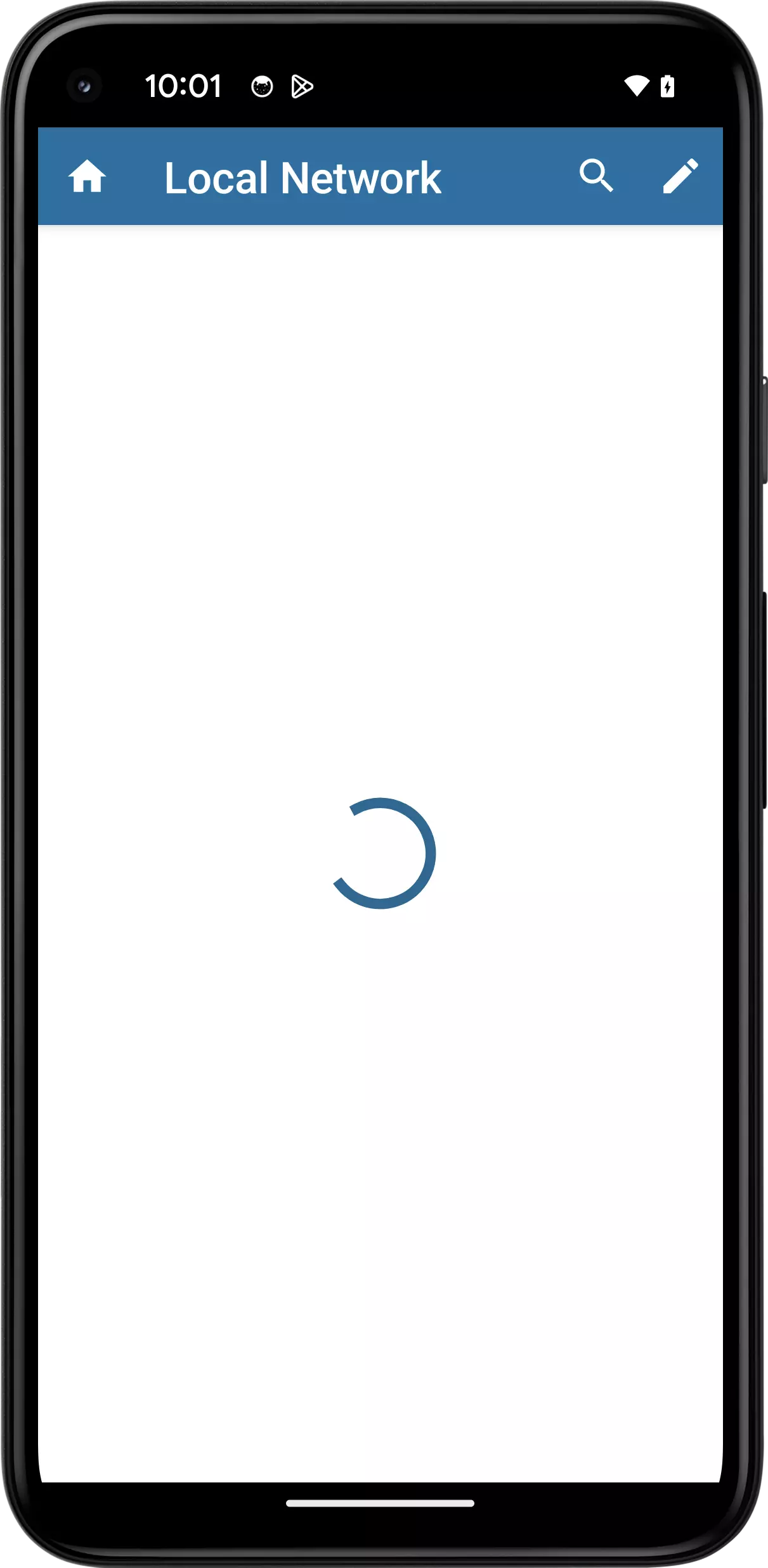
Thank you for reaching out. By default Codebook for Android will cache the last used machine/IP address for local WiFi sync. If you tap the Computer row, however, it will present a screen where it will search the local network for a Codebook desktop instance that is broadcasting mDNS and present the name of the machine. Would you give that a try and let us know your results?
Hello, sorry for the delay, I’m just trying it now.
I get a blank screen with a spinnie that never stops. It’s been at least two minutes now.
It’s running on a Google Pixel 9 with GrapheneOS (Android 16).
Thanks
Hi @LBertrand,
If your Codebook for Android device is not able to locate Codebook for macOS on your network for any reason, you can tap the pencil in the upper-right corner of the actionbar to manually enter the IP address of your macOS machine. Please make sure Codebook for macOS is running with Desktop WiFi selected as the sync service.